
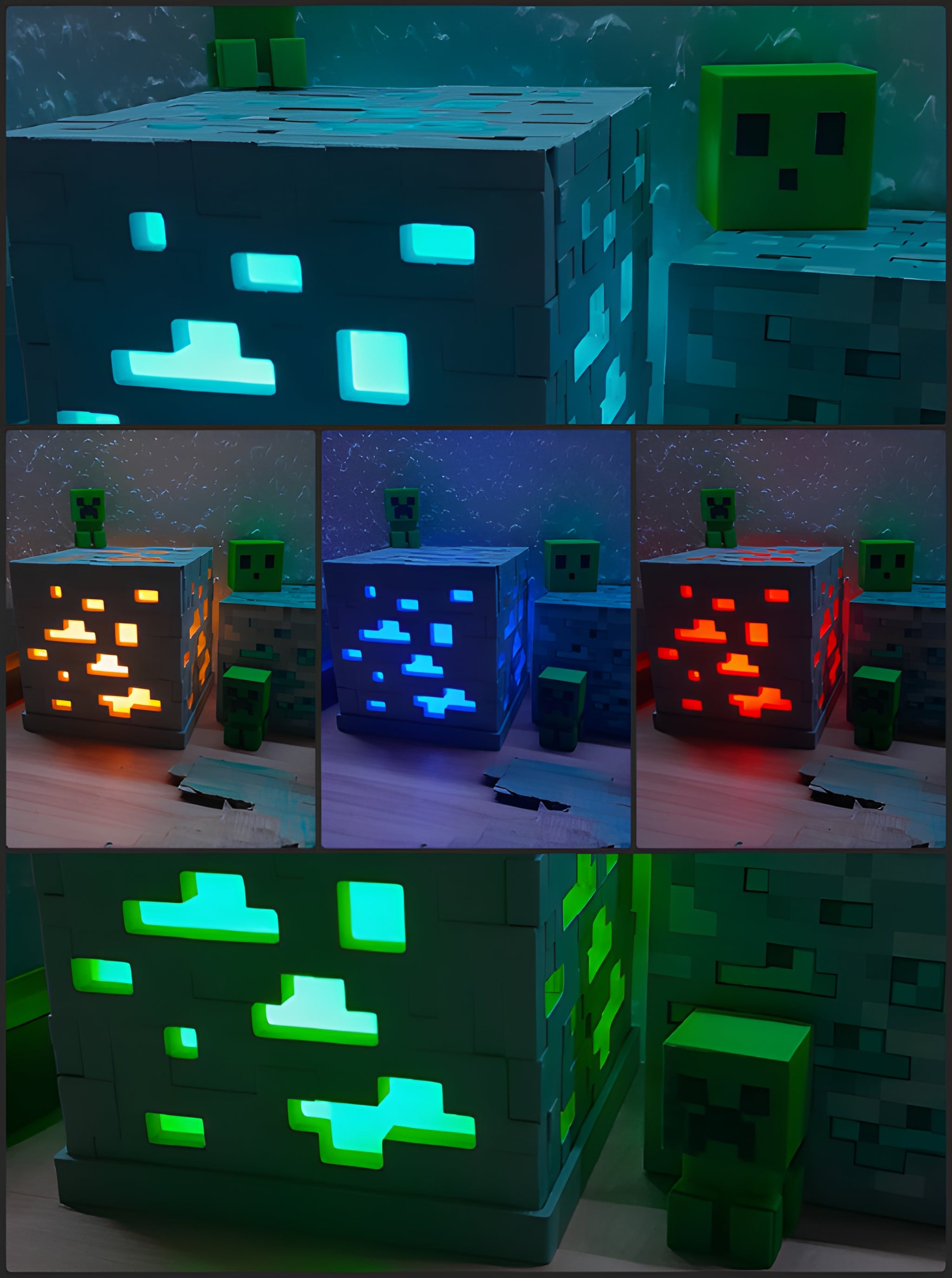
Model Overview & Print Notes
Minecraft Ore Lamp
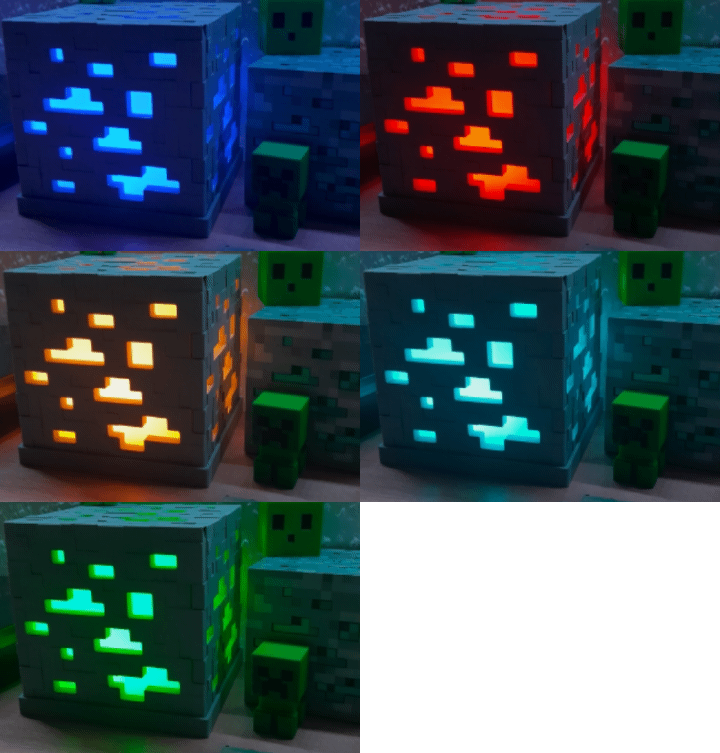
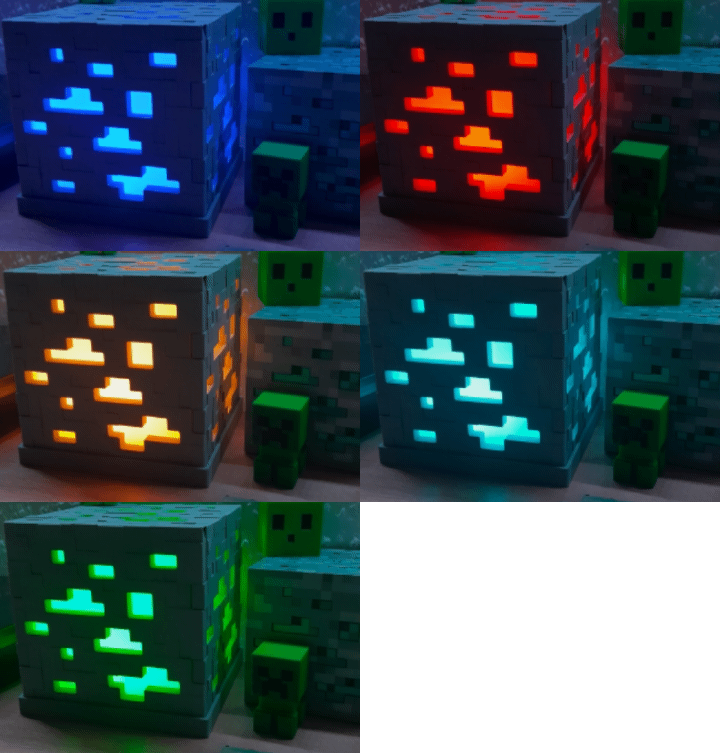
I designed this Minecraft Multi-Ore Lamp to be more than just a 3D print; I wanted it to be a piece of high-quality gaming decor. It features a pixel-accurate Minecraft ore design and a smart cable management system hidden underneath the base so you don’t have messy wires everywhere on your desk. By using a white inner cube and an RGB light that you can control via an app, you can easily switch the colors to match your favorite ore like Diamond, Redstone, Emerald, Gold, or Lapis Lazuli! It's the perfect project to add a cool gaming vibe to any room! ;)
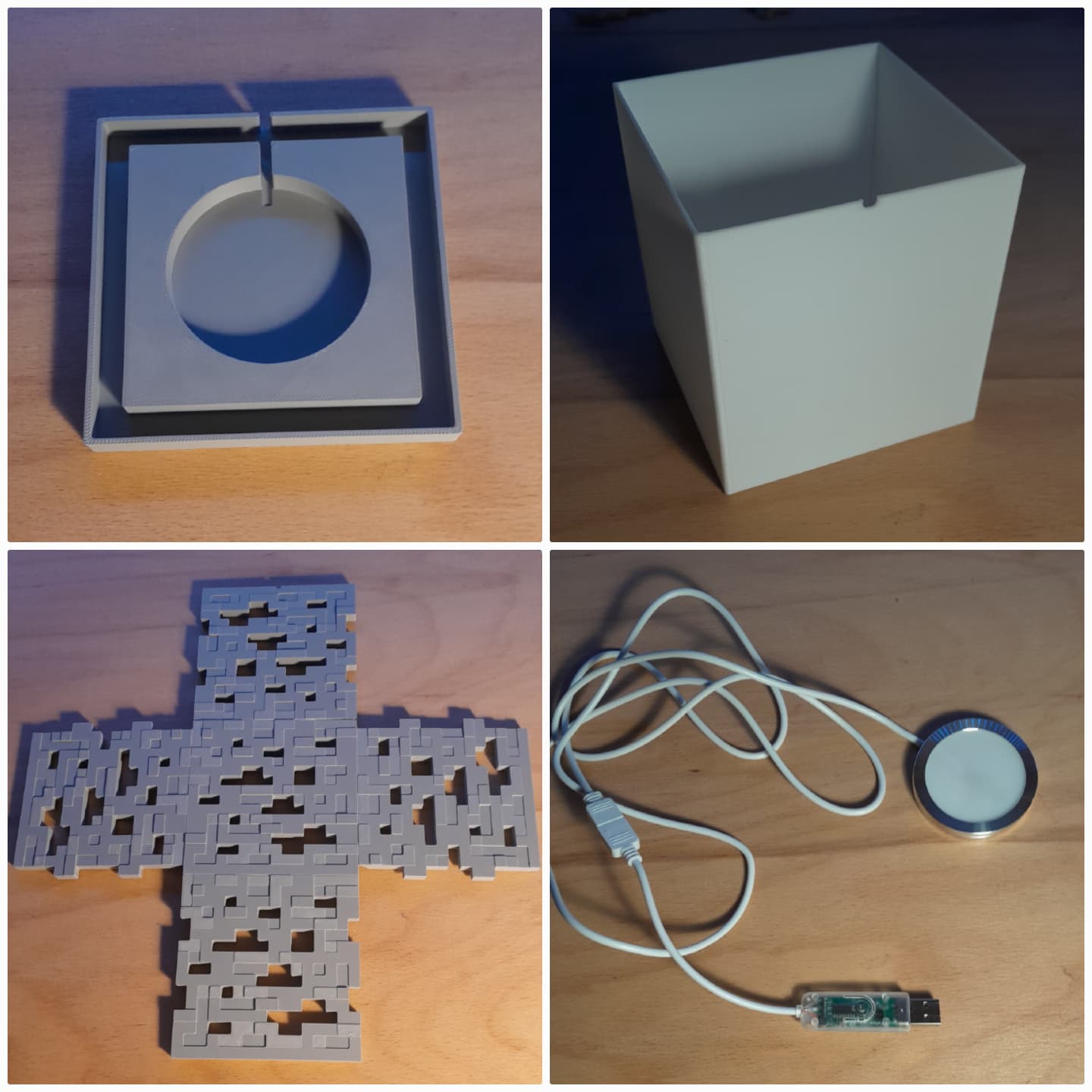
Design ConceptThe lamp is modular and easy to print, consisting of 3 main parts:
- You print the outer "ore_panel_net_v3.3" lying flat on the print bed, so it doesn't need any supports.
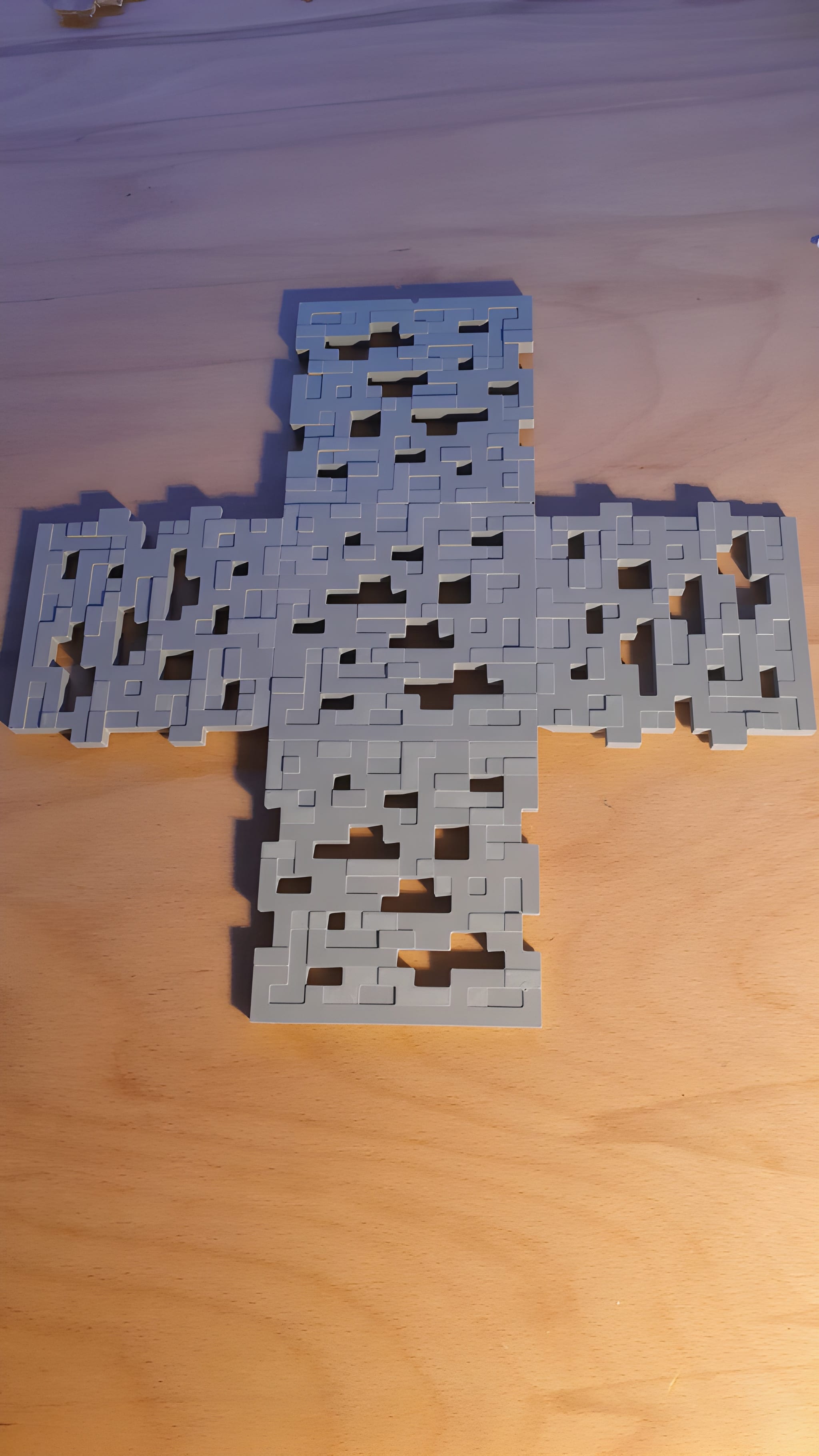
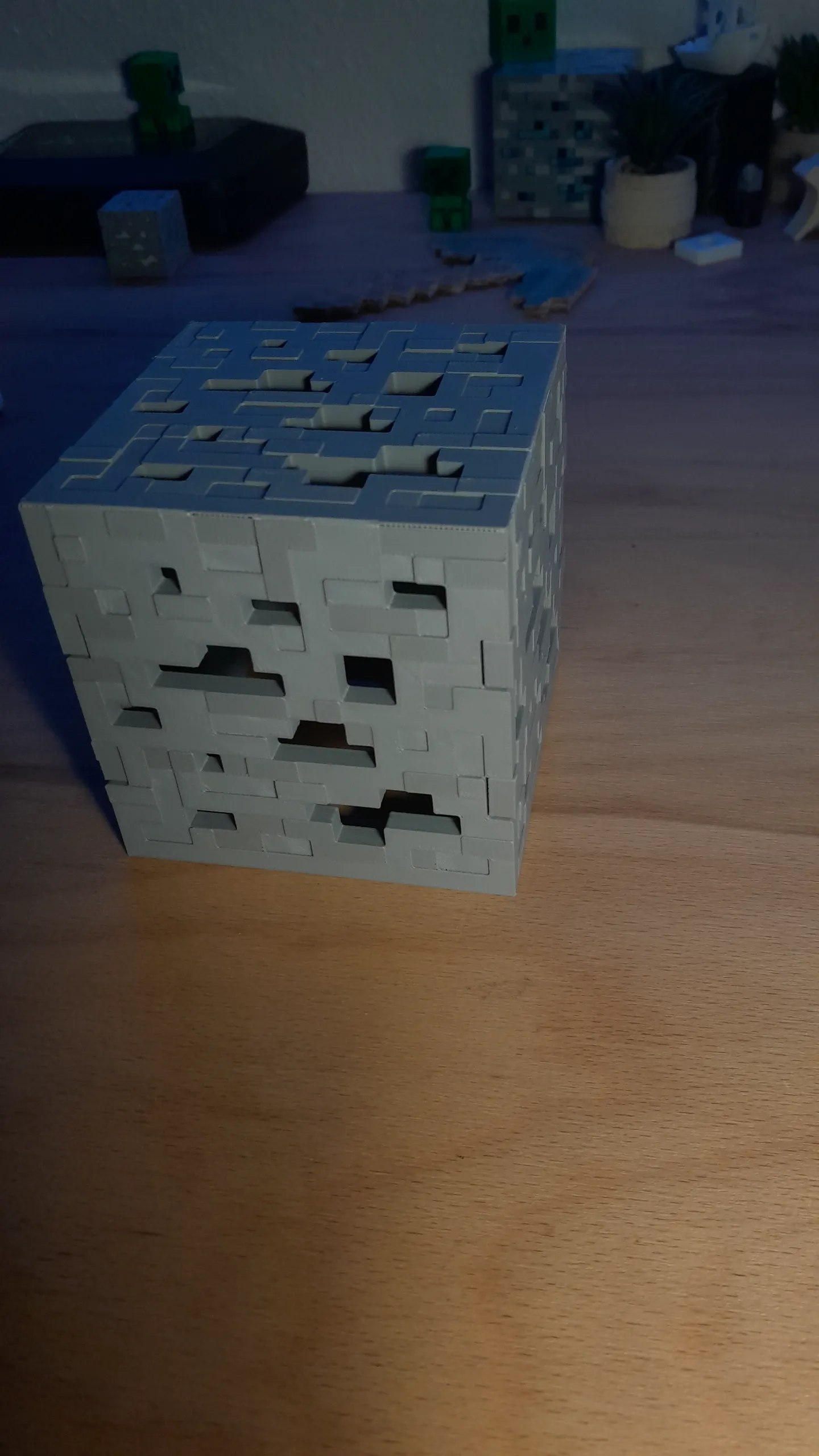
- Once it's done printing, you can simply fold the sides up to create your outer gray ore pannel cube.
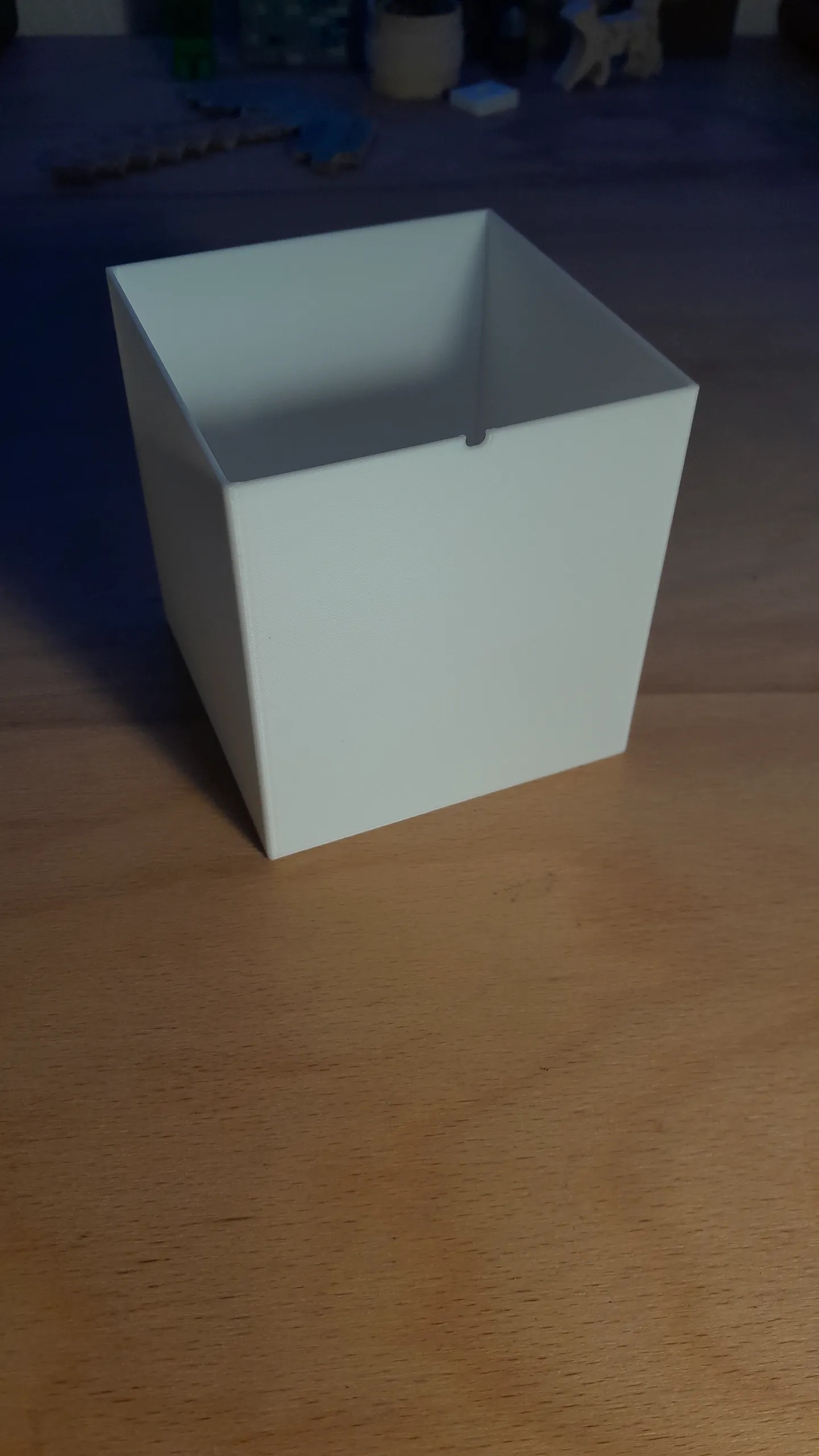
- The white “inner_cube_v3.1” is located inside and acts as a diffuser to evenly distribute the colors.
- The base features a circular recess where the LED light I used can be pressed in easily with a clean press-fit. The hole inside the base has a diameter of 60mm and a depth of 8mm
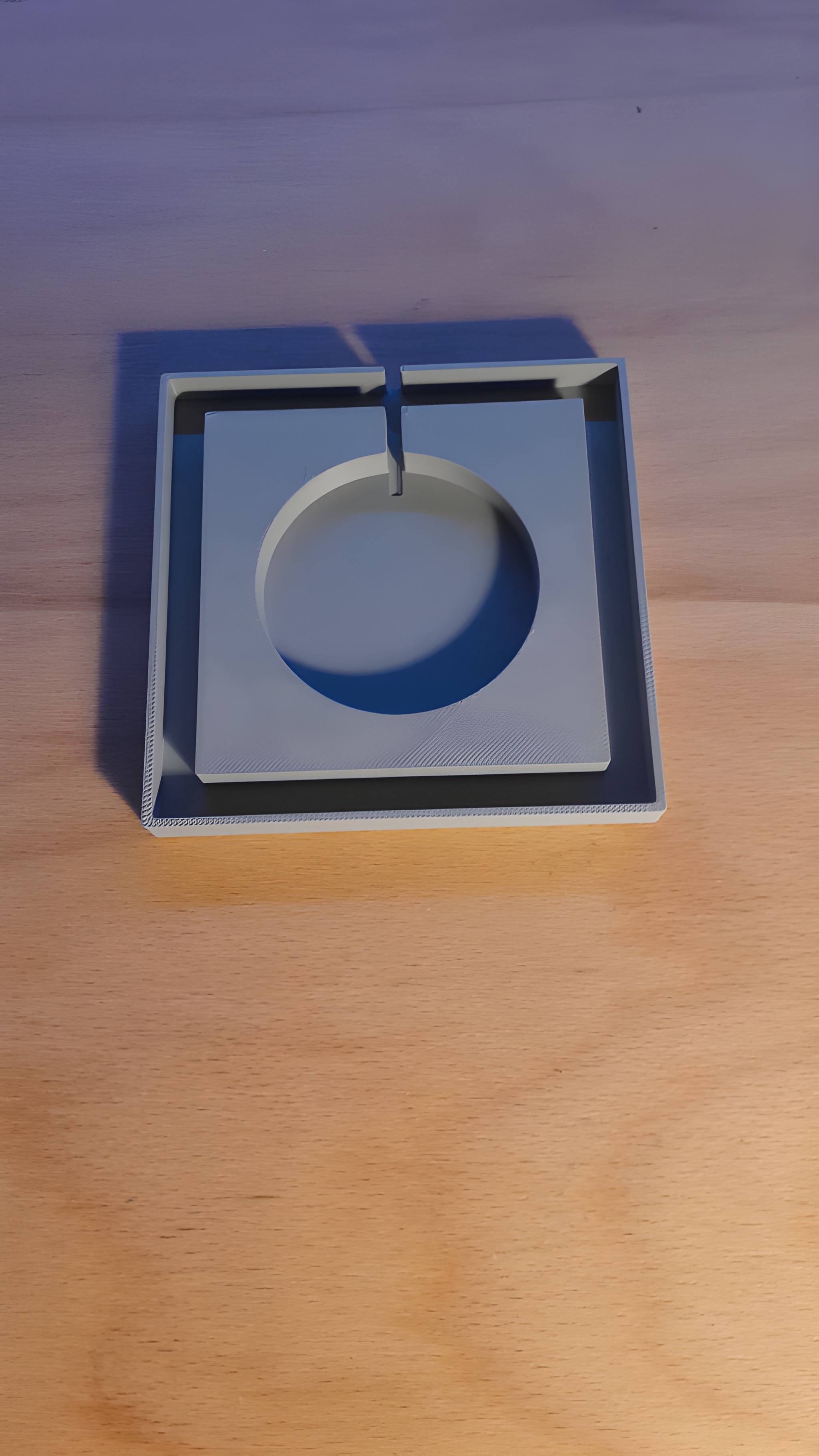
Printing TipsSince the entire ore net prints completely flat on the build plate, you don't need to worry about any saggy layers or complicated settings. Just slice the files normally, customize the settings how you want, make sure your first layer is nice and clean, and you are good to go! No supports needed for any of the parts.
- I'd recommend gray PLA for the pannel ore net, white PLA for the inner cube and the same gray filament for the base.
- If you use the LED light I used and you want to have different colors for different ores like Diamond, Redstone, Emerald, Gold, or Lapis Lazuli for example, it's important to use white filament for the inner cube!
- I recommend using the "Clean & Fast Print - Perfect Fit | By Baum_" Printsettings I uploaded, because they have an optimized balance between print time and quality
Use
- Gaming Setup Decor: Looks amazing on any desk, PC setup, or shelf.
- Multi-Ore Style: Switch between Diamond, Redstone, Emerald, Gold, or more via app.
- Clean Design: The base with the hidden cable channel underneath let's the lamp look super clean on your desk.
Assembly Instructions
What you need:
- Outer Ore Net (x1)
- Inner Cube / Diffuser (x1)
- Base (x1)
- LED Light:LED-Light I used:
- (https://amzn.eu/d/0bx8Rgkc)
- This is not a paid promotion, just the LED light I used!
How to assemble:
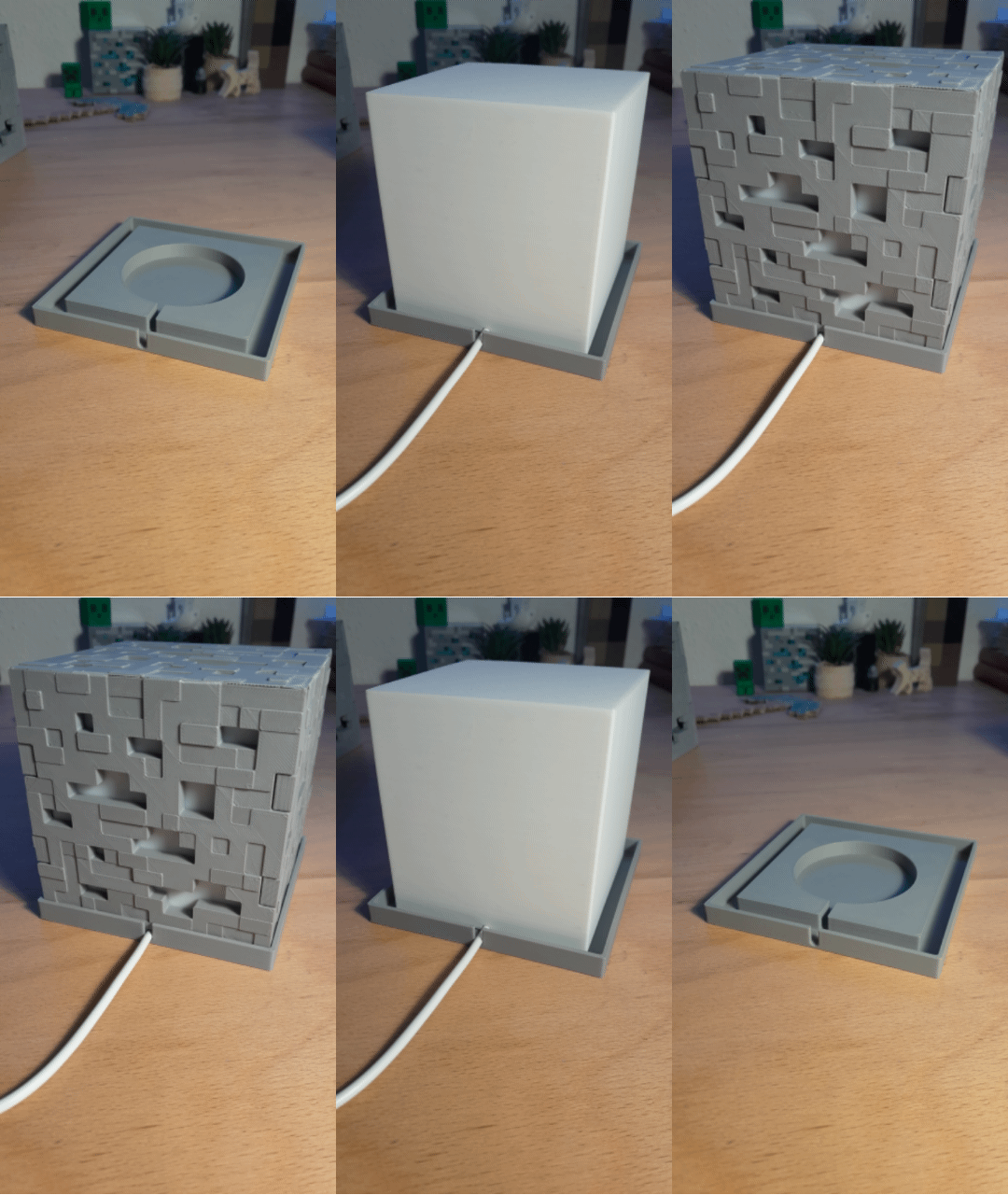
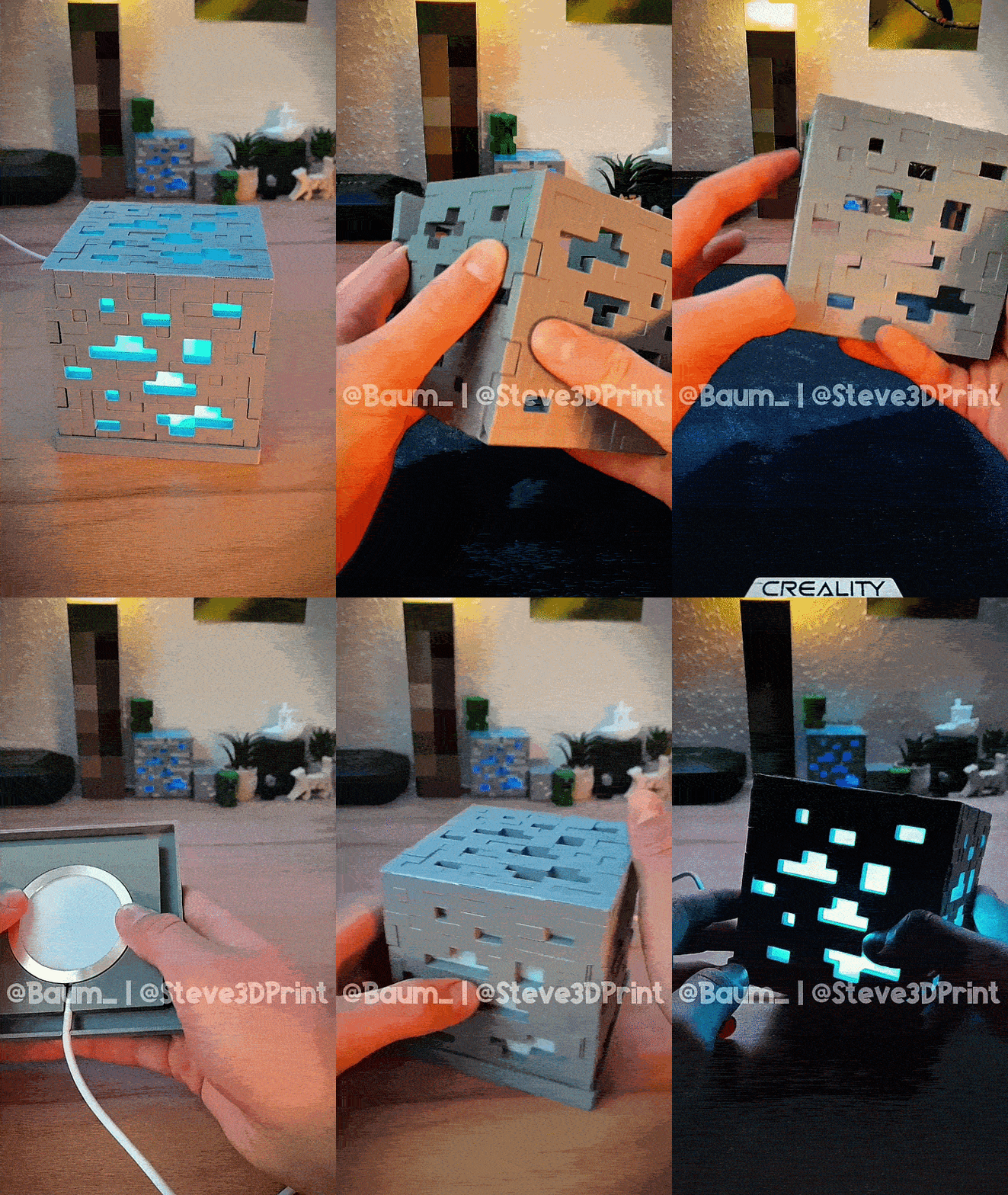
- Fold the Shell: Take your flat-printed ore net and carefully fold the sides up, as shown in the following gif(s) and picture(s), so it gets locked in place perfectly through the connections.
- Setup the Base: Push your LED light into the circular slot on the base with an easy press-fit and the cable into the cable channel. Route the power cable through the built-in cable channel, so it exits at the back.
- The Diffuser Cube: Place the white Inner Cube right on top of the base over the lamp.
- Final Step: Slide your folded outer ore cube over the diffuser and press it gently onto the base. Now connect your phone or grab your remote, pick your favorite ore color, and enjoy! :D
I really spent many many hours designing and refining this model. I created multiple versions, each version better than the previous one, which really was a lot of work. I learned new things, got better at 3D modelling and really expanded my skills while creating this model.
If you like this model, or just want to support Me and My Work, I would be really really glad about something like a Boost, Like, Favourite, a Follow, or even a Make!
Also check out my Social Media and Follow/Subscribe to my Accounts, if you want! :)

[linktr.ee/steve3dprint]
Thank you! <3
Happy printing! :)
DISCLAIMER: THIS IS NOT AN OFFICIAL MINECRAFT 3D MODEL. NOT APPROVED BY OR ASSOCIATED WITH MOJANG OR MICROSOFT

💬CrealityCloud Community Comments(...)
★CrealityCloud Original Reviews