
1/10
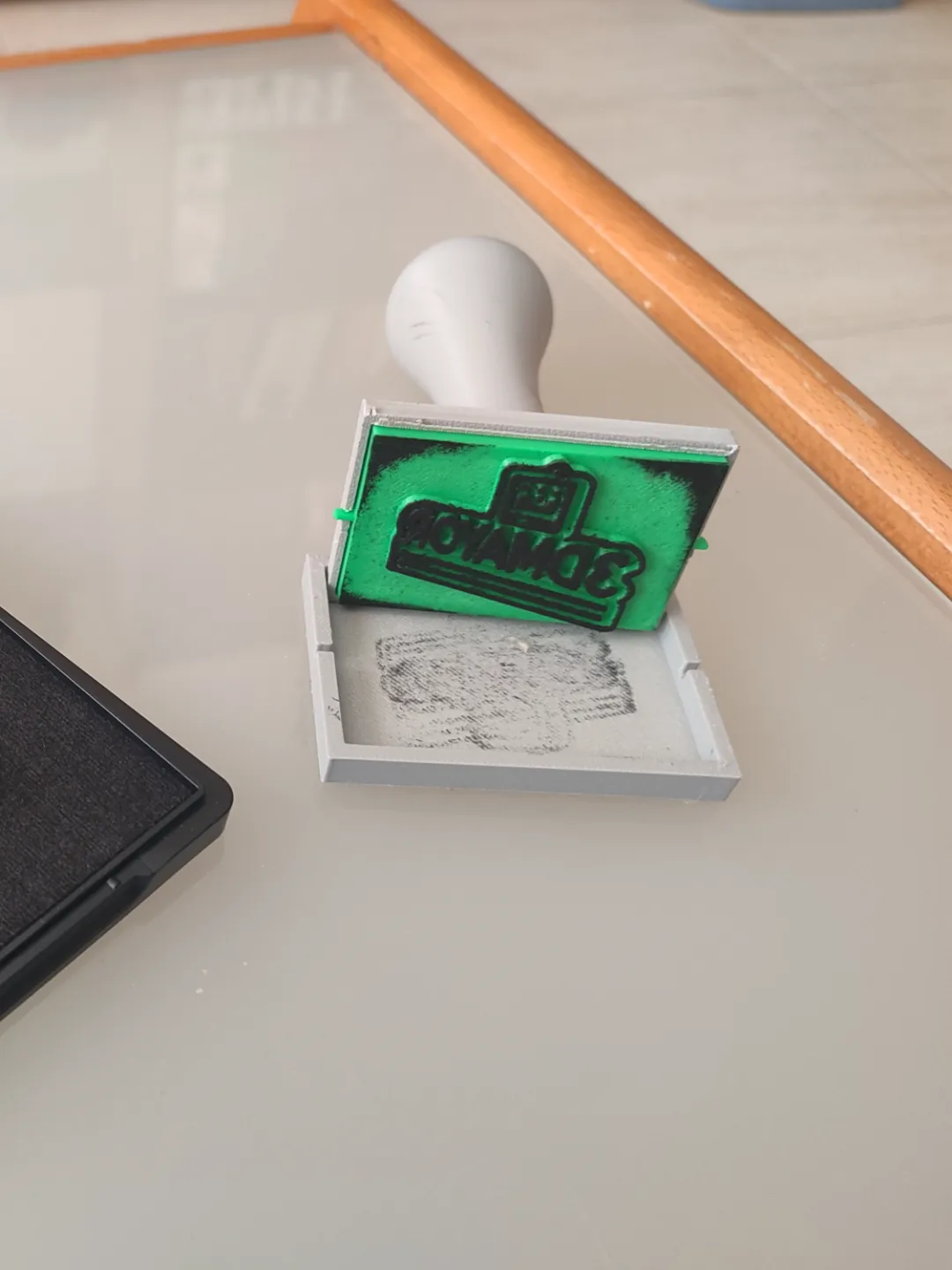
Model Overview & Print Notes
Customizable ink stamp with your logo or any text you want to add, you can make it directly from the slicer
VERY IMPORTANT TO REMEMBER THAT THE LETTERS OR LOGO MUST BE PLACED IN REVERSE!
I am sharing a video explaining how to add text to your pieces directly in Bambu Studio
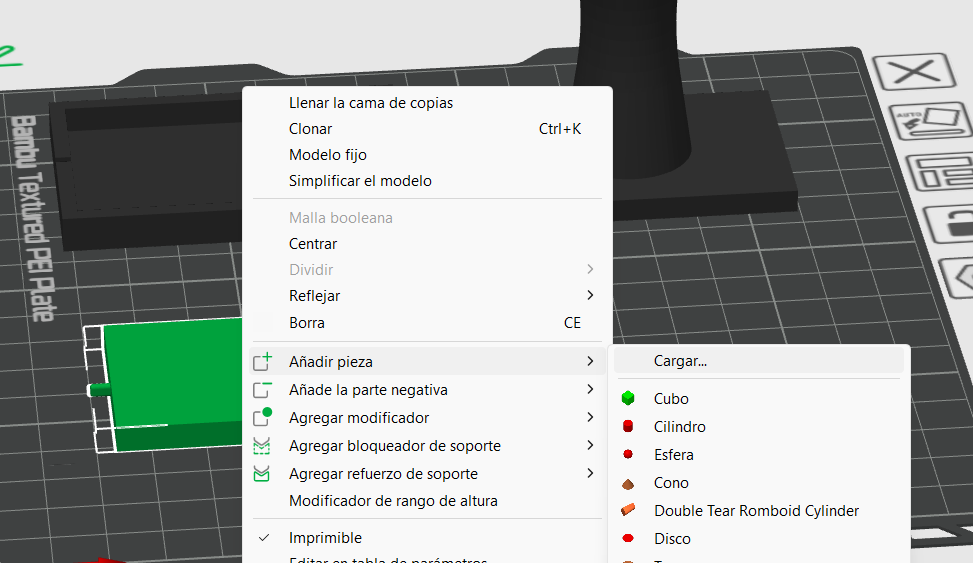
To add an STL file with a logo you can right click on your part, go to add and select part. Adjust it to match the size of the stamp template and that's it :D
I recommend lightly sanding the letters or your logo so the ink adheres properly otherwise the stamp will not leave a clear mark. I recommend the logo height to be 2mm

💬MakerWorld Community Comments(95)
★MakerWorld Original Reviews