
1/2
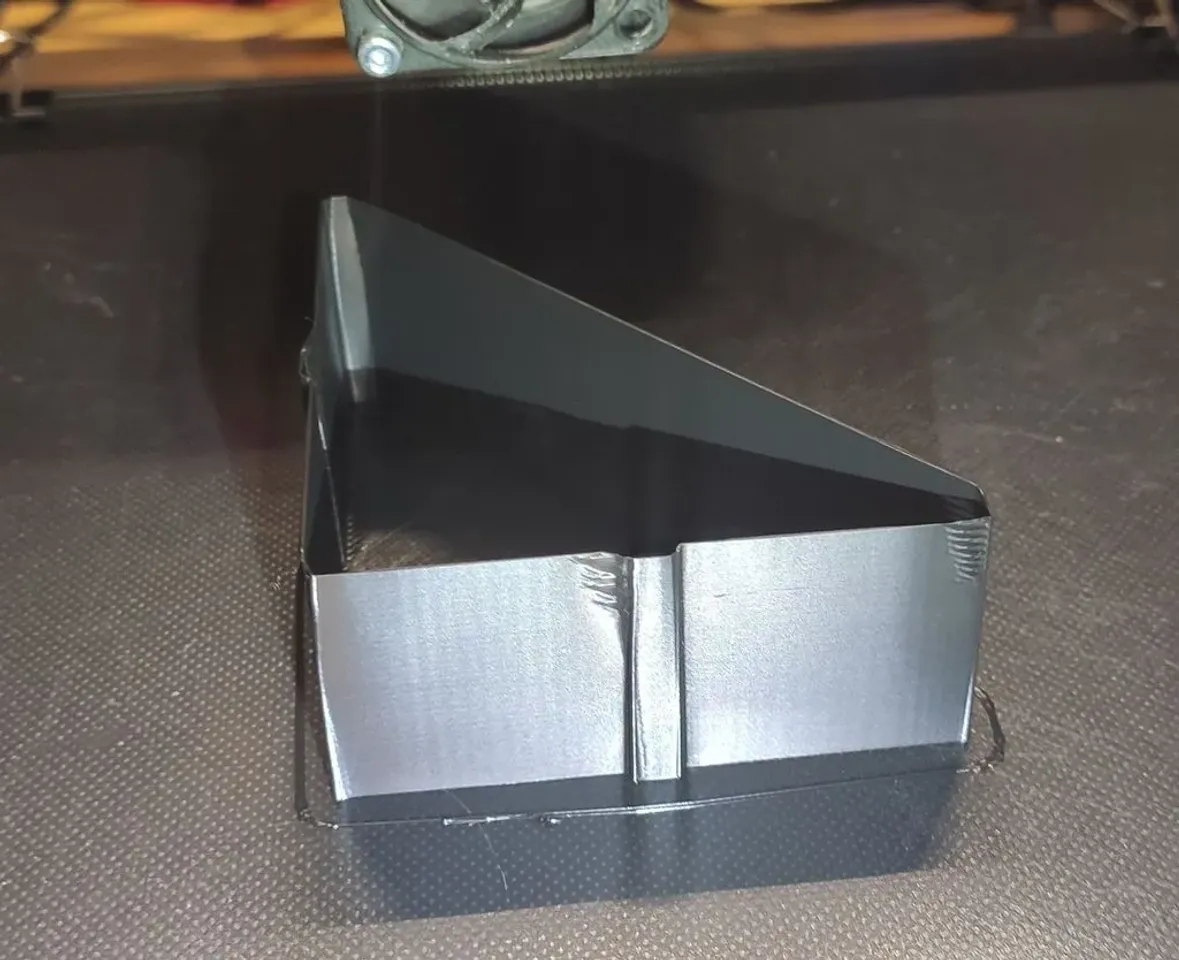
Model Overview & Print Notes
I prefer this model better than the original.
Lightweight, fast, & easier to read.
Print:
1 Bottom layer
0.2mm layer height
1 Perimeter
0 Top layer
0 Infill
Set all speeds to 100mm/s, except the first layer speed. Use your default value.
Important in Prusaslicer:
Under cooling: Set to 0 "Slow down if layer print time is below"
Otherwise 100mm / s cannot be achieved.
And
Turn off "Lift Z", during retraction, so as not to falsely trigger the TUNING_TOWER COMMAND .... procedure.
Continue the procedure.
https://www.klipper3d.org/Pressure_Advance.html
For Direct drive extruder, I prefer to use FACTOR = .01, instead of FACTOR = .005.
The precision is good enough anyway, and the printing time goes twice as fast until you find the sweatspot.

💬Printables Community Comments(20)
★Printables Original Reviews