
1/2
Model Overview & Print Notes
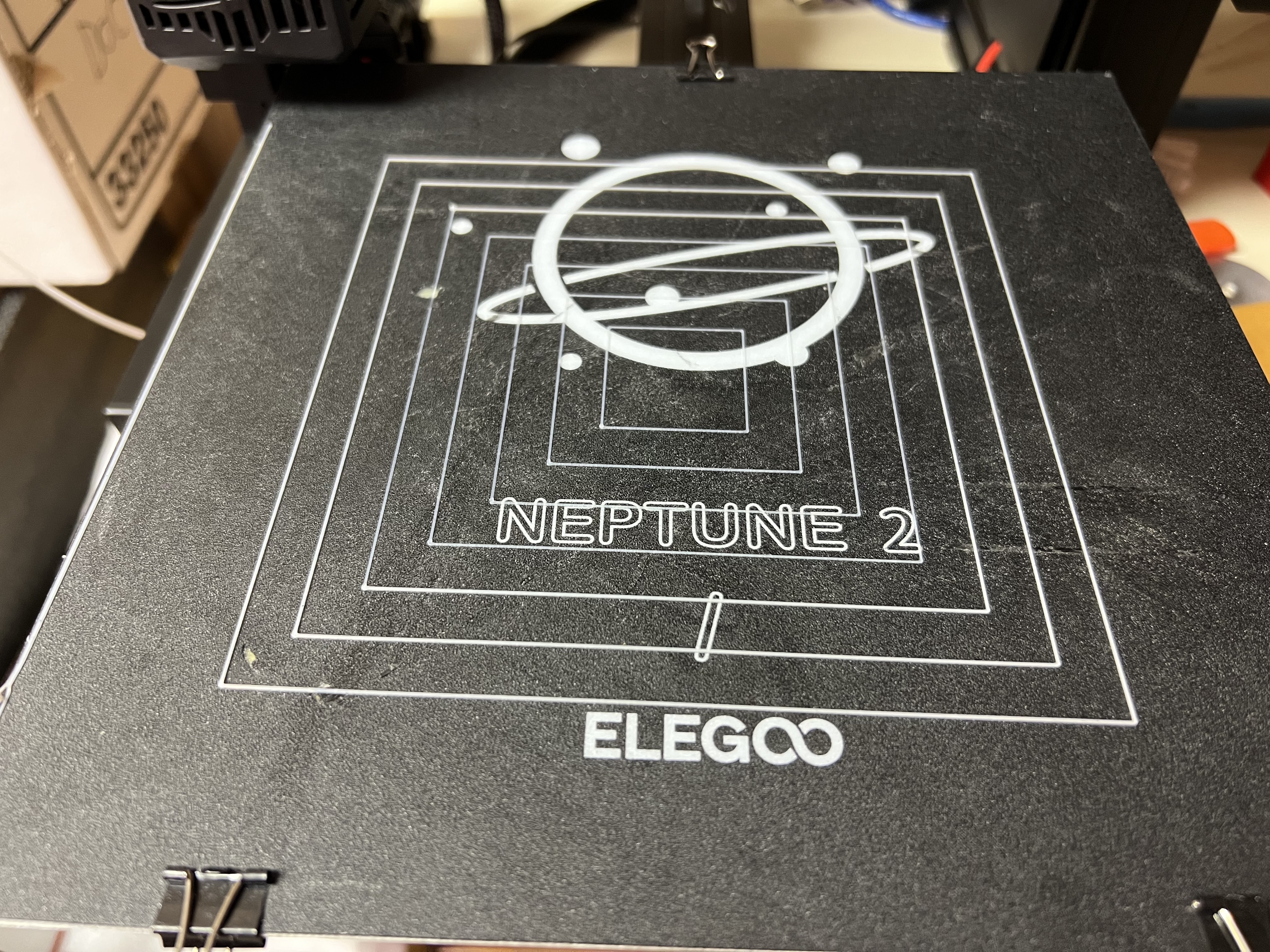
This download includes the test print .stl and all the G-Code files for using the Filament Friday E-Leveler tool with any Ender 3 size printer. It moves to each corner and gives you 20 seconds to use the E-Leveler to adjust the bed. Then it automatically moves to the next corner. 1. Run the chep_eleveler_g4.gcode file and it will position to the front left corner. 2. Adjust the bed knob until the LED just begins to turn on. 3. The G-Code will automatically move to the next position (left rear) and wait for you to adjust the bed with the E-Leveler. 4. Complete all 4 corners and then the G-Code file will return the nozzle to home position. 5. Run the Squares (chep_bed_level_test.gcode) G-Code file to verify the bed is level.




💬Thangs Community Comments(3)
★Thangs Original Reviews